Key takeaways
Fill, sign, and submit Condominium Concepts Management Key Release Form from any browser — or have AI generate a custom version in seconds. No installs, no printing, no back-and-forth.
- The Key Release Form allows condominium owners to authorize specific individuals, such as contractors or guests, to enter their private units.
- A condominium owner must complete and sign this document to grant access permissions to a third party.
- The form requires the owner to provide their printed name, a daytime phone number, and their specific unit number.
- Users must specify the name of the person being granted access and the date the entry will occur.
- The document includes a section to describe the specific purpose of the access being granted.
- The form provides instructions regarding photo identification requirements for the person receiving the keys.
- It outlines specific responsibilities for the owner and authorized individuals in the event that keys are lost.
What is Condominium Concepts Management Key Release Form?
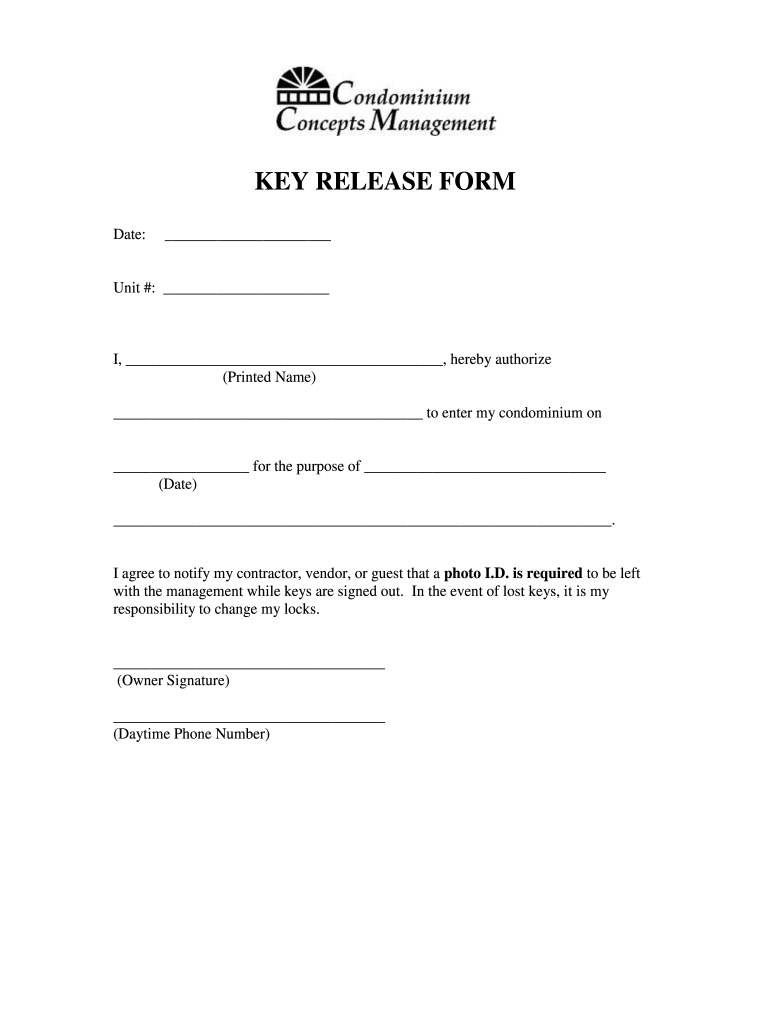
Key Release Form is a document used by condominium owners to authorize contractors, vendors, or guests to enter their specific unit. This formal authorization serves as a clear instruction to property managers or security staff that a third party has permission to access the premises. By utilizing this form, owners can manage who enters their residence when they are not available to provide entry personally, ensuring that property access is properly documented and controlled according to the owner's wishes.
The form requires several pieces of information to ensure the authorization is valid and traceable. It captures the owner’s printed name, signature, and daytime phone number, alongside specific details about the visitor including their name and the unit number being accessed. Furthermore, the document outlines necessary instructions regarding photo identification requirements for the authorized person and establishes clear responsibilities in the event that keys are lost during the period of authorized access to the condominium.
The issuing authority for this form is not specified.
Who needs the Condominium Concepts Management Key Release Form — and who doesn't
Not everyone files Condominium Concepts Management Key Release Form. The checklist below tells you whether it applies to your situation — and points you to the right alternative if it doesn't.
You need this Condominium Concepts Management Key Release Form if…
- you are a condominium owner who needs to permit a contractor to enter your unit for repairs or maintenance
- you need to authorize a specific service vendor to access your property while you are not present
- you want to grant a visiting guest permission to obtain keys and enter your condominium
- you are providing written consent to building management to release your unit keys to a designated individual
You do not need this Condominium Concepts Management Key Release Form if…
- you are the owner of the unit and are accessing the property yourself without the need for a third party
- you do not own the condominium unit for which access is being requested
- you have not authorized any external contractors, vendors, or guests to enter your residence
Why you need the Condominium Concepts Management Key Release Form
Why people fill out Condominium Concepts Management Key Release Form, and what tends to go wrong when they don't.
-
Authorize Unit Access Use this form to officially permit contractors, vendors, or guests to enter your condominium. It provides a formal record for property management, specifying exactly who is permitted to access your unit.
-
Maintain Security Records The form captures essential details like the visitor's name and the specific purpose of their visit. It also outlines responsibilities for lost keys, helping maintain security standards for your residence.
-
Simplified Digital Sharing Fill out and eSign this form on pdfFiller to quickly share it with management via email or link. The platform keeps your documents in secure, encrypted storage for easy future reference.
What each section of Condominium Concepts Management Key Release Form means
Every section explained — what it's asking, the records you'll need on hand, and the mistakes that most often cause a rejection or follow-up request.
| Owner Contact Information | Provide the condominium owner's full printed name and a daytime telephone number where they can be reached regarding the property access request. |
|---|---|
| Authorized Access Details | Specify the name of the person or company being granted entry, the date of access, the unit number, and the specific reason for entering. |
| Access Requirements and Liability | Review the mandatory photo identification requirements for visitors and the owner's responsibilities regarding potential lost keys or security issues related to the unit access. |
| Owner Authorization Signature | The condominium owner must sign the document to formally authorize the release of keys and grant permission for the specified party to enter the premises. |
How to fill out Condominium Concepts Management Key Release Form using pdfFiller
A walkthrough from the first field to the signature line. With your records in front of you, most people finish in under ten minutes.
-
Open the Document Click Get Form to open Key Release Form in the pdfFiller editor to begin customizing your key authorization template for property access and management.
-
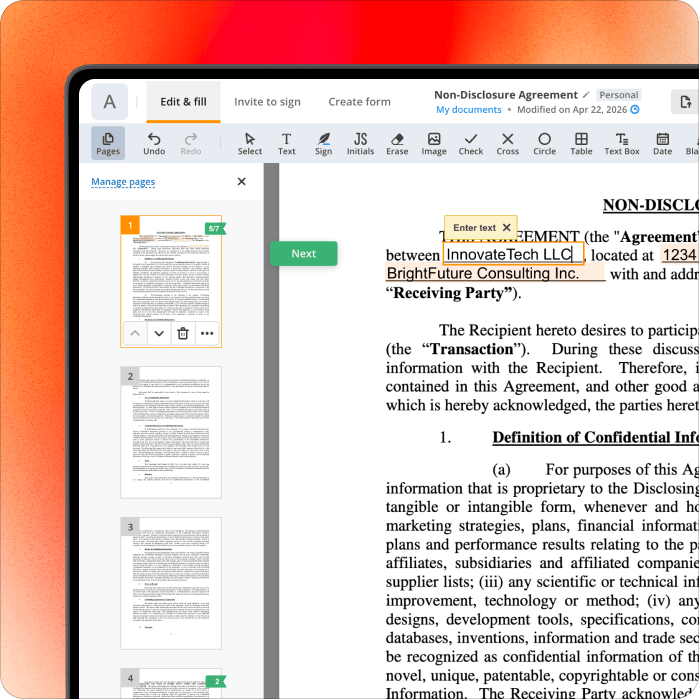
Provide Owner Details Click on the designated text fields to type your printed name and enter a daytime phone number where management can reach you regarding the access request.
-
Define Access Authorization Use the fillable fields to input the name of the individual or company being granted entry, the specific unit number, and the scheduled date for the visit.
-
Describe Entry Purpose Navigate to the blank fields within the Access Authorization Details section to explain why the guest, vendor, or contractor requires entry into your condominium unit.
-
Acknowledge Responsibilities Read the Instructions and Responsibilities section concerning photo identification requirements and liability for lost keys, ensuring you understand the terms before completing the document.
-
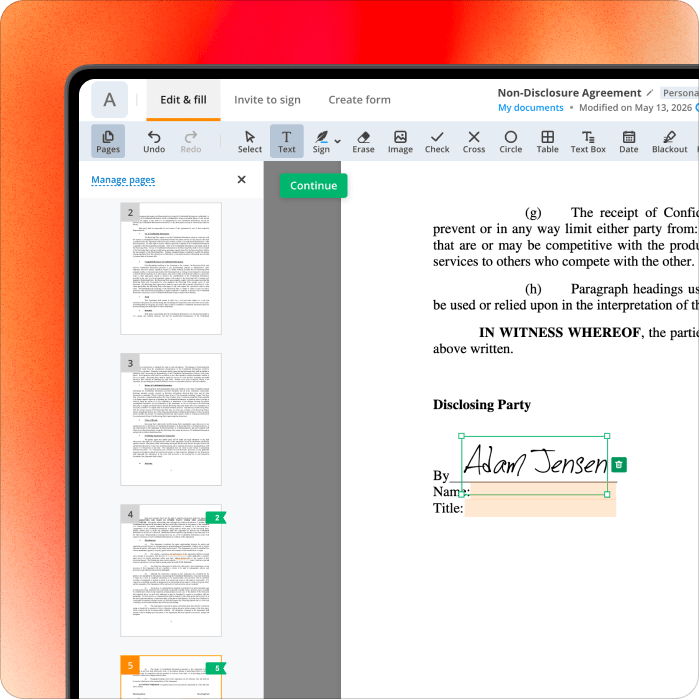
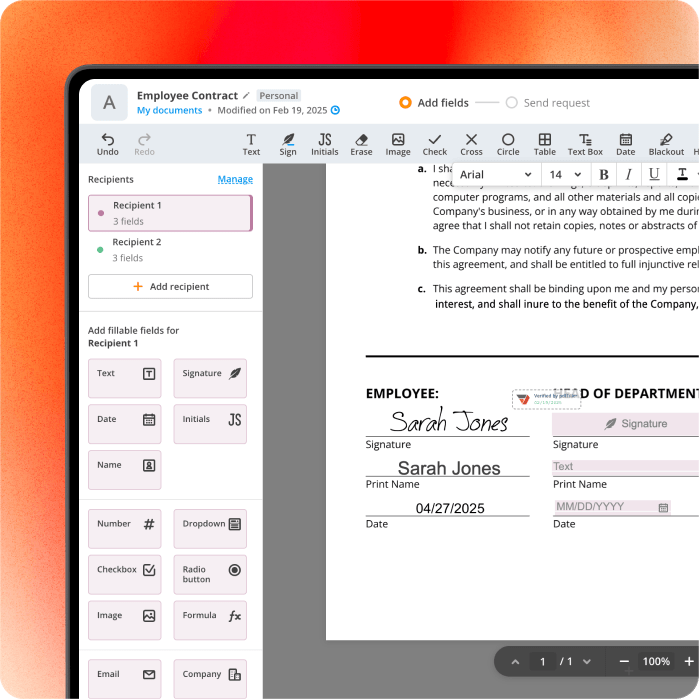
Authorize with eSignature Click the Signature Line to create and add a legally binding e-signature using pdfFiller, confirming your authorization for the specified party to access your property.
-
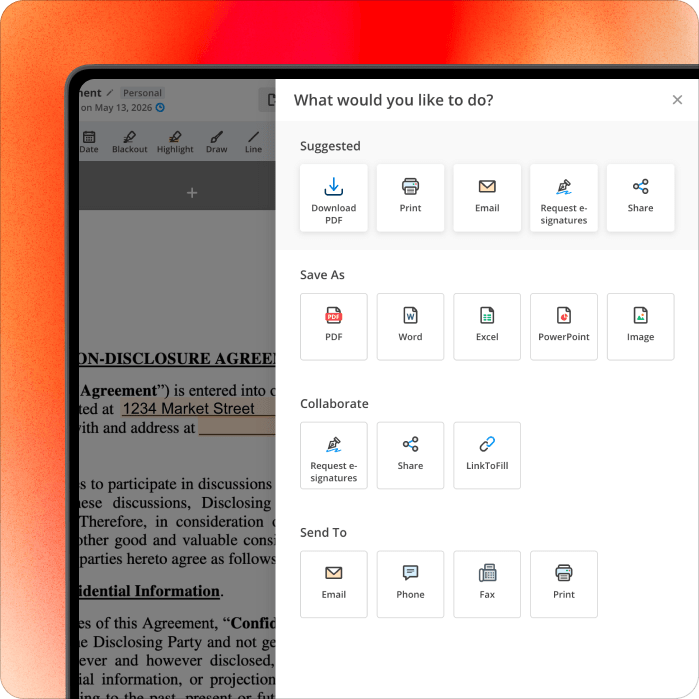
Save or Share Download the finished PDF or share it by link or email; pdfFiller keeps documents in secure encrypted storage and is compliant with GDPR, HIPAA, SOC 2, and PCI DSS.
Related content
The forms, guides, and worksheets most filers reach for alongside Condominium Concepts Management Key Release Form.
Key terms used in Condominium Concepts Management Key Release Form
A one-sentence glossary of the Condominium Concepts Management Key Release Form terms and concepts you'll see throughout this guide.
- Condominium Owner
- The individual who holds legal title to the property and provides the necessary authorization for unit entry.
- Access Authorization
- Formal written permission from the owner allowing a specific individual to enter their private residential unit.
- Unit Number
- The specific identifier for the individual condominium residence to which the authorized person is requesting entry.
- Photo I.D.
- A valid identification document featuring a photograph, used to verify the identity of the person picking up the keys.
- Purpose of Access
- A description of the specific activity, such as repair work or a guest visit, intended to take place inside the unit.
- Key Release
- The process of providing physical access tools to an authorized contractor, vendor, or guest based on the owner's signed instructions.
Frequently asked questions about Condominium Concepts Management Key Release Form
Quick answers to the questions we hear most often about completing the Condominium Concepts Management Key Release Form.
The Key Release Form is used by condominium owners to authorize contractors, vendors, or guests to enter their specific unit. This document ensures that property management has clear permission to grant access to third parties for maintenance, deliveries, or visits while documenting the owner's consent for entry.
The condominium owner must sign the form to authorize access to their residence. In addition to a signature, the owner is required to provide their printed name and a daytime phone number so that property management can verify the request and maintain a record of the authorization.
The access authorization section requires the name of the person receiving access, the date, the unit number, and the specific purpose of the visit. These details help ensure that keys are only released to the correct individual for a designated reason, such as repairs or guest entry.
Yes, the form includes instructions regarding photo I.D. requirements for the person requesting access to the unit. This security measure ensures that the identity of the contractor or guest matches the information provided by the owner, helping to protect the security of the building and the unit.
You can use pdfFiller to fill out, sign, and share the Key Release Form online from any device. This platform allows condominium owners to add a legally binding e-signature and send the completed document to property management or vendors immediately, ensuring a fast and secure authorization process.